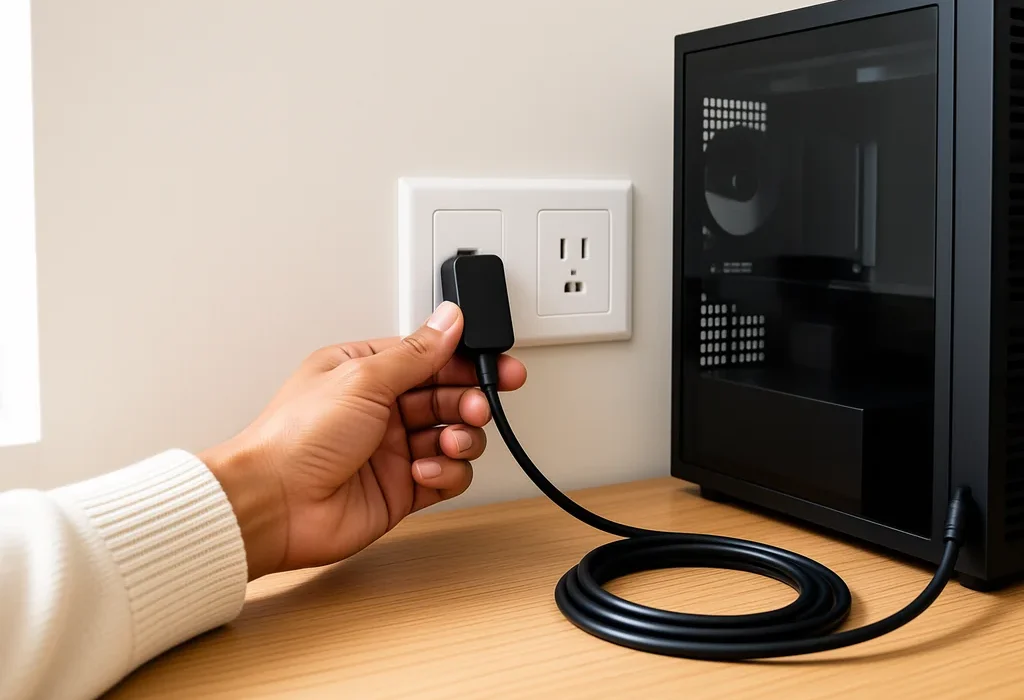
Does a bigger PSU use more electricity than a smaller one in the same PC? It’s the question I get asked most often by readers building their first machine, and the honest answer surprised me once I stopped guessing and put a meter on the plug. A 1000W power supply doesn’t siphon a thousand watts out of your wall socket. It supplies whatever your components ask for and nothing more. There’s a catch buried in the efficiency curve though, and it runs in the opposite direction to what most people assume.
I spent six weeks this summer running one identical build on three different power supplies in my Manchester home lab, logging the draw at the socket the whole time. Here is what actually came out of it.
Does a bigger PSU use more electricity? The short answer
A power supply is rated by what it can deliver, not by what it consumes. The wattage on the box is a ceiling, not a target. Picture it as the diameter of a tap rather than the volume of water running through it: a wider tap does not force more water into your glass.
So if you swap a 550W unit for a 1000W unit and change nothing else, your components still pull the same power and your bill barely moves.
Barely, though, isn’t the same as not at all. The oversized unit in my test did draw slightly more at the wall, consistently, and the reason is efficiency rather than capacity. Every power supply wastes a percentage of what it takes in as heat, and that percentage changes depending on how hard it’s working. Run a big unit at a tiny load and you sit in the least efficient part of its range.
What really decides your PC’s power draw
The components pull, the PSU passes it on
Your processor, graphics card, drives and fans decide the load. The power supply unit converts mains alternating current into the low voltage direct current those parts need, then hands over exactly as much as they request, moment by moment. Nothing about a higher rating makes a CPU ask for more.
In practice the graphics card dominates. On my test rig a Ryzen 7 and an RTX 4070 pulled roughly 60W at the Windows desktop and around 310W in a heavy gaming session. Those two numbers stayed within 2W of each other across all three power supplies.
Where the wasted watts actually go
If your parts need 300W and the unit is 90 percent efficient, it draws about 333W from the socket. The missing 33W leaves as heat through the vents at the back of your case. That gap is the only part of this equation a bigger PSU can change, and it is why the efficiency rating on the box matters far more than the wattage printed next to it.
How I tested three power supplies on one machine
As a PC builder who has assembled and benchmarked dozens of small-form-factor rigs, I wanted numbers rather than forum folklore. I used the same motherboard, CPU, GPU, RAM and drives throughout, and only the power supply changed. Each unit ran for a fortnight on an energy monitoring smart plug logging to an app, covering the same mix of browsing, video calls, a couple of evenings of gaming a week and long idle stretches.
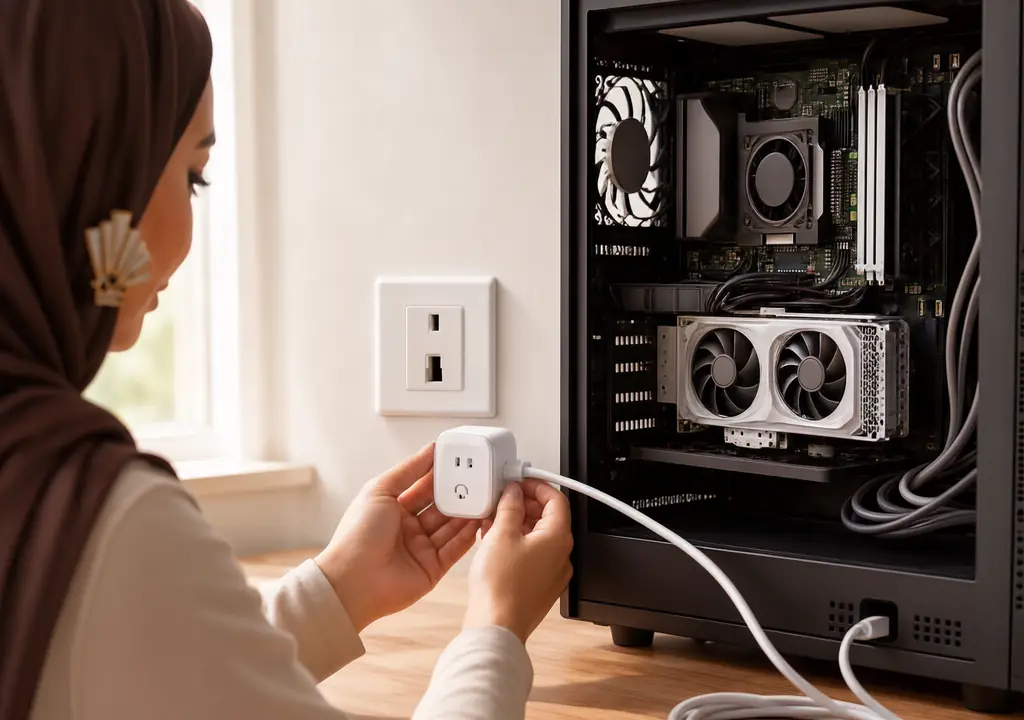
The three units were a 550W Bronze, a 750W Gold and a 1000W Gold. All three were modern ATX 3.1 designs with PCIe 5.1 support, so the comparison was not skewed by ancient hardware.
One note before the numbers: I measured at the socket with a plug meter, which catches everything including conversion losses. Software readouts inside Windows report what the components request, not what the wall gives up, and the two are never the same figure.
The numbers: idle, gaming, and the yearly cost

Sitting at the desktop
Idle is where PCs spend most of their lives, and it is where the spread showed up. The 550W Bronze unit pulled 71W at the socket. The 750W Gold pulled 66W. The 1000W Gold pulled 69W.
Read that again, because the ordering is the interesting part. The biggest unit was not the worst, but it lost to the mid-sized one despite carrying the same Gold certification. At 60W of actual load, the 1000W unit was running at six percent of its capacity, which is well below anything its certification ever measured.
So does a bigger PSU use more electricity at idle? Marginally, yes, and only because oversizing pushes it off the bottom of its own efficiency curve. Three watts is the entire scandal.
Under a gaming load
With the GPU working hard, the picture flipped in the usual way. The 550W Bronze drew 352W at the wall. The 750W Gold drew 338W, and the 1000W Gold drew 341W. The 750W unit was sitting at roughly 41 percent load, which is very close to the sweet spot where these designs peak.
The Bronze unit lost about 14W to heat compared with the Gold, purely because it is a less efficient design. That gap has nothing to do with size.
What this costs a UK household
Under the Ofgem price cap, electricity for a direct debit customer is 26.11p per kWh at the time of writing, rising to 26.32p per kWh from 1 October 2026. Take the worst and best performers from my test, assume six hours of light use and one hour of gaming a day, and the annual difference between the 550W Bronze and the 750W Gold works out at roughly £6 a year.
Between the 750W and the 1000W, both Gold, the difference was about 70p a year. Seventy pence. If you’re choosing a PSU purely to save money on the bill, you’re optimising the wrong thing.
Why the 80 Plus badge hides the part that matters
What the certification actually measures
Here is the detail almost every buying guide skips. The 80 Plus programme tests efficiency at just three load points for most tiers: 20 percent, 50 percent and 100 percent. For a 230V unit sold in the UK, Gold means at least 90 percent efficiency at 20 percent load, 92 percent at 50 percent, and 89 percent at full load.
Notice what is missing. Nothing below 20 percent is measured at all. A 1000W unit hits its 20 percent test point at 200W, but a typical desktop idles somewhere around 50W to 80W. For most of the day, that expensive Gold badge is describing behaviour your PC never reaches.
Titanium is the exception worth knowing about
Titanium is the only tier that adds a 10 percent load test, requiring 90 percent efficiency there. That’s why Titanium units genuinely behave better on a machine that idles a lot, and it’s the one case where paying more for the rating rather than the wattage pays you back. For a home server or a PC that stays on all day, that matters. For a gaming rig switched on in the evening, it rarely justifies the premium.
Independent testing bodies handle this better. The Cybenetics ETA programme runs thousands of load combinations instead of three or four, and it also caps standby draw at 0.25W, which is the figure that decides what your PC costs while it is switched off but still plugged in.
The unexpected finding: the oversized unit was quieter
This is the part I did not expect, and it changed my advice.
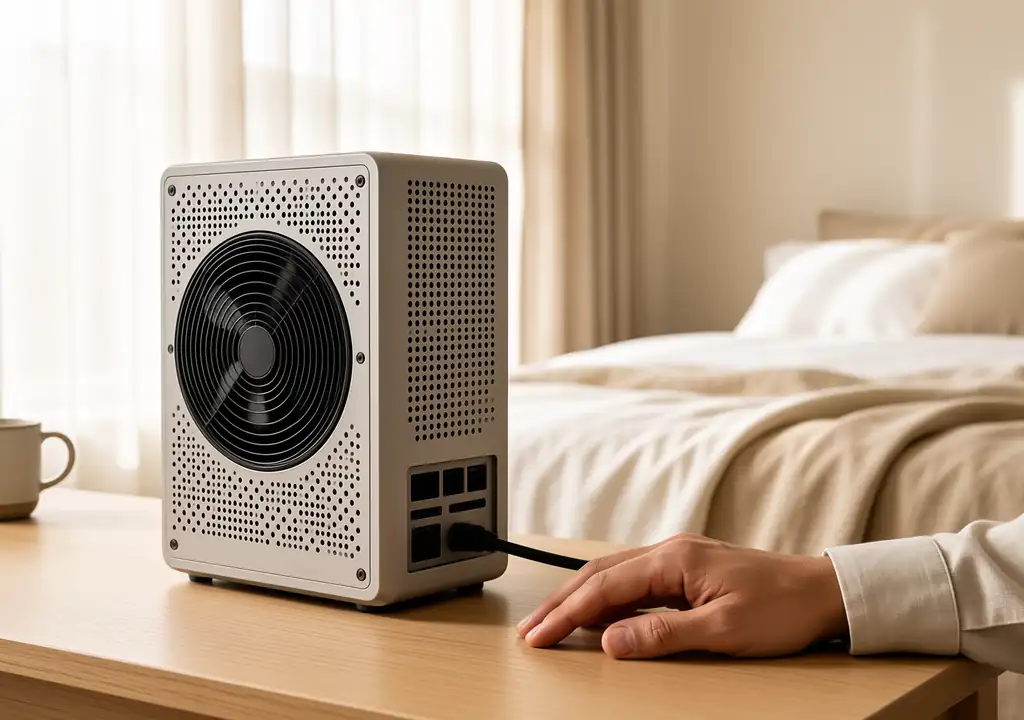
Most modern power supplies have a semi-passive fan mode that keeps the fan completely stopped below a certain load. On the 750W unit, the fan spun up roughly 40 minutes into a gaming session. On the 1000W unit, running the exact same game, it never started at all. The load never crossed the threshold.
So the oversized PSU cost me 70p a year and gave me a silent machine in return. For anyone building in a bedroom or a small flat, that trade is worth making. It’s the opposite of the advice you usually read. I made a similar call on my own compact build, where I ended up undervolting a 4070 Ti on a 600W SFX unit to keep the fan off for longer.
And yes, before anyone asks: an oversized unit won’t develop coil whine simply for being oversized. That’s a quality-of-components issue, not a capacity one.
How much headroom you actually need in 2026
Working out your real load
Add the board power of your graphics card to the package power of your processor, then add about 100W for drives, fans, RAM and board losses. An RTX 5070 at 250W with a mid-range CPU at 105W lands near 455W. Aim for a unit that puts your peak load somewhere between 40 and 60 percent of its rating. That points at 750W to 850W.
That range is not a myth about efficiency alone. It also buys you a GPU upgrade in two years without a second purchase.
Transient spikes are the real reason to leave room
Modern graphics cards do not draw power smoothly. They spike for a few milliseconds well above their rated figure, and an underspecified PSU can trip its protection circuit and shut the machine down mid-game. The ATX 3.1 standard exists precisely to handle these excursions, so a current unit copes far better than a 2019 model of the same wattage.
If you’re running an older PSU with a new card and getting random shutdowns under load, that’s almost certainly what you’re seeing. It’s not a sign the card is faulty.
The power supplies I would buy in the UK right now
Prices were read live from Amazon UK on 16 September 2026 and move around, so check before you order.
For a modest build up to about 250W
- [be quiet! System Power 11 550W | Amazon UK | £48.99 | View on Amazon UK]
- [Corsair CX550 Bronze | Amazon UK | £47.99 | View on Amazon UK]
- [be quiet! Pure Power 12 650W Gold | Amazon UK | £69.99 | View on Amazon UK]
For a mid-range gaming PC
This is where most UK readers land, and where I would spend the money on the rating rather than chasing extra watts.
- [Corsair RM750e Gold, fully modular | Amazon UK | £84.99 | View on Amazon UK]
- [MSI MAG A750GLS 750W Gold, ATX 3.1 | Amazon UK | £74.99 | View on Amazon UK]
- [be quiet! Pure Power 13 M 650W Gold | Amazon UK | £78.99 | View on Amazon UK]
- [Corsair RM850e 2025 | Amazon UK | £96.99 | View on Amazon UK]
For a high-end, small-form-factor or always-on machine
- Corsair RM1000e 2025 | Amazon UK | £124.99 | View on Amazon UK
- Corsair SF750 2024 Platinum SFX | Amazon UK | £139.00 | View on Amazon UK
- be quiet! Dark Power 14 1000W Titanium | Amazon UK | £199.99 | View on Amazon UK
- Seasonic Focus GX-750 Gold (ATX 3.0) £123.94 at time of writing
The tool that answers this for your own PC
Meter your own machine for a week instead of trusting anyone’s estimate. An energy monitoring plug costs less than a decent game and tells you your real idle and peak figures, which is the only way to size a replacement sensibly.
- Tapo P110 energy monitoring smart plug, 2-pack | Amazon UK | £15.99 | View on Amazon UK
I used one of these alongside a bench meter for the whole test, and the readings tracked within a watt or two. If you already run smart plugs, you may own the tool for this job without realising it.
Mistakes I keep seeing UK builders make
Buying 1200W for a 400W system is the obvious one, though as the numbers above show, it is an expensive mistake up front rather than an ongoing one. You lose roughly £50 on the purchase and pennies per year afterwards.
The costlier error runs the other way. Pairing a five-year-old 650W unit with a current graphics card invites shutdowns under transient load, and replacing a failed board is far more painful than buying the right PSU first.
The third one is ignoring standby draw entirely. A PC that’s switched off but still plugged in pulls something, typically under a watt on a good unit and noticeably more on a cheap one. Across a year that’s real money, and it’s the same logic behind the running costs I looked at in the mini PC for Plex transcoding piece, where idle efficiency mattered far more than peak performance.
For UK readers weighing a full desktop against something smaller, a compact machine sidesteps most of this. Our guide to a used Ryzen mini PC for budget gaming covers where that trade makes sense, and if you are considering a laptop instead, the notes in tips for buying gaming laptops and our RTX 4050 laptop guide are the place to start.
Frequently asked questions
Does a bigger PSU use more electricity than a smaller one?
Only by a rounding error. The rating is a ceiling on what the unit can deliver, not a figure it consumes, so your components set the draw. The small penalty comes from efficiency at low load rather than from capacity.
Will a 1000W PSU increase my electricity bill?
Not meaningfully. In my six-week test the 1000W unit cost about 70p a year more than a 750W unit of the same efficiency class, because it idles below the load range where its rating applies. The components decide the bill, not the label on the box.
Is it bad to have a PSU that is too powerful?
No, and there is no risk to your hardware. The only real downsides are the higher purchase price and slightly worse efficiency at very low loads. There is even an upside, since a semi-passive fan stays stopped for longer on an oversized unit.
What wattage PSU do I actually need?
Add your graphics card’s rated power to your processor’s package power, add about 100W for everything else, then pick a unit where that total sits between 40 and 60 percent of the rating. For most 2026 mid-range gaming builds that means 750W or 850W.
Does 80 Plus Gold save money compared with Bronze?
A little. Across my test the Gold unit ran about 14W cooler at the wall under gaming load and saved roughly £6 a year in typical use. Gold usually pays for itself over the life of the unit, whereas jumping from Gold to Platinum rarely does unless the machine runs constantly.
What I would do
Does a bigger PSU use more electricity? By pennies a year, and never by enough to drive the decision. Buy for the efficiency rating and the standard rather than the headline wattage, size the unit so your peak load lands near half its capacity, and if silence matters more than seventy pence, go bigger and enjoy the stopped fan.
Imran Qureshi tests every PC component in his own home lab for GadgetsBuzz. This article contains affiliate links. We only recommend products we genuinely rate. Current UK electricity prices are taken from the Ofgem price cap unit rates.